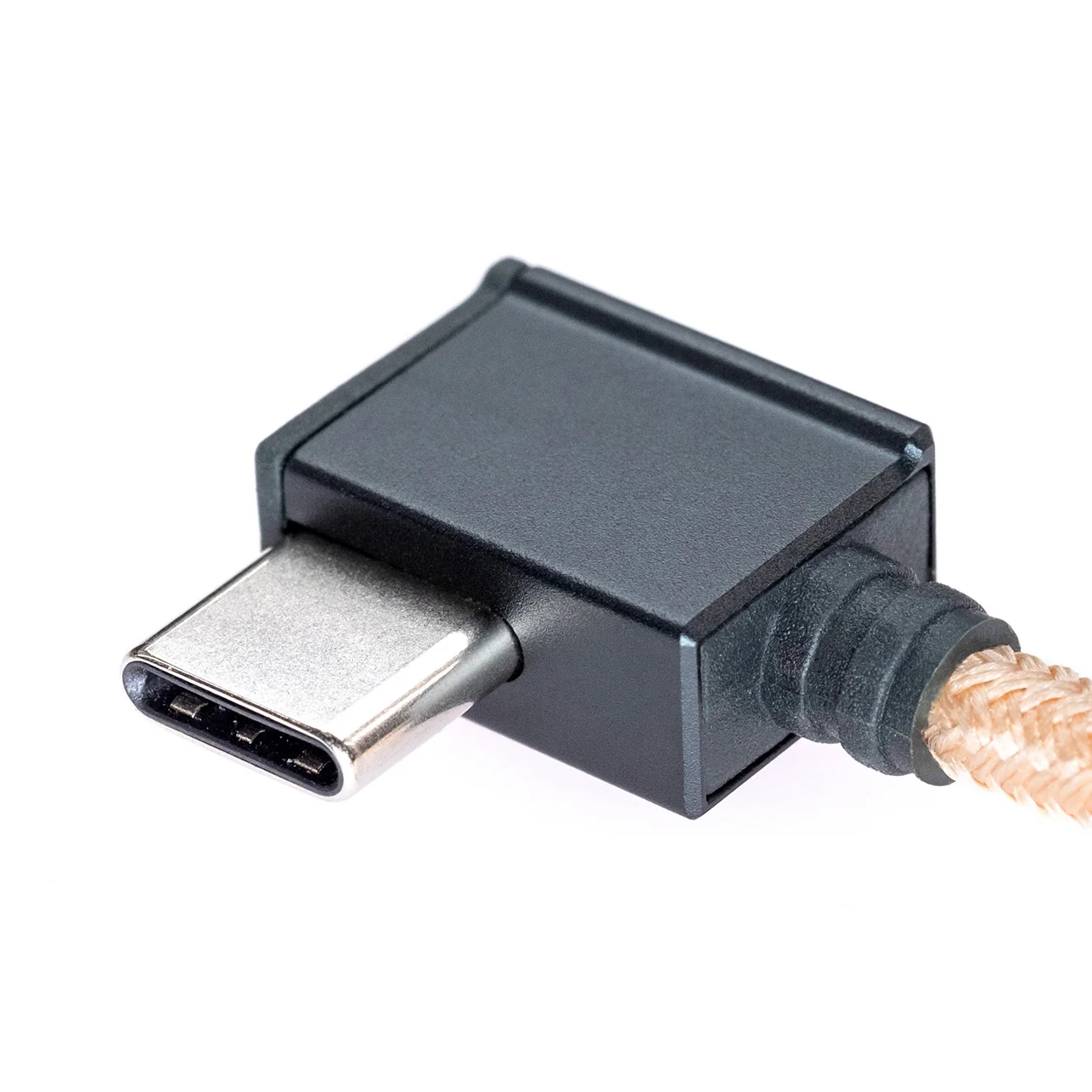
Noble Audio Sceptre Bluetooth Codec and RF Signal Enhancer (Open Box)
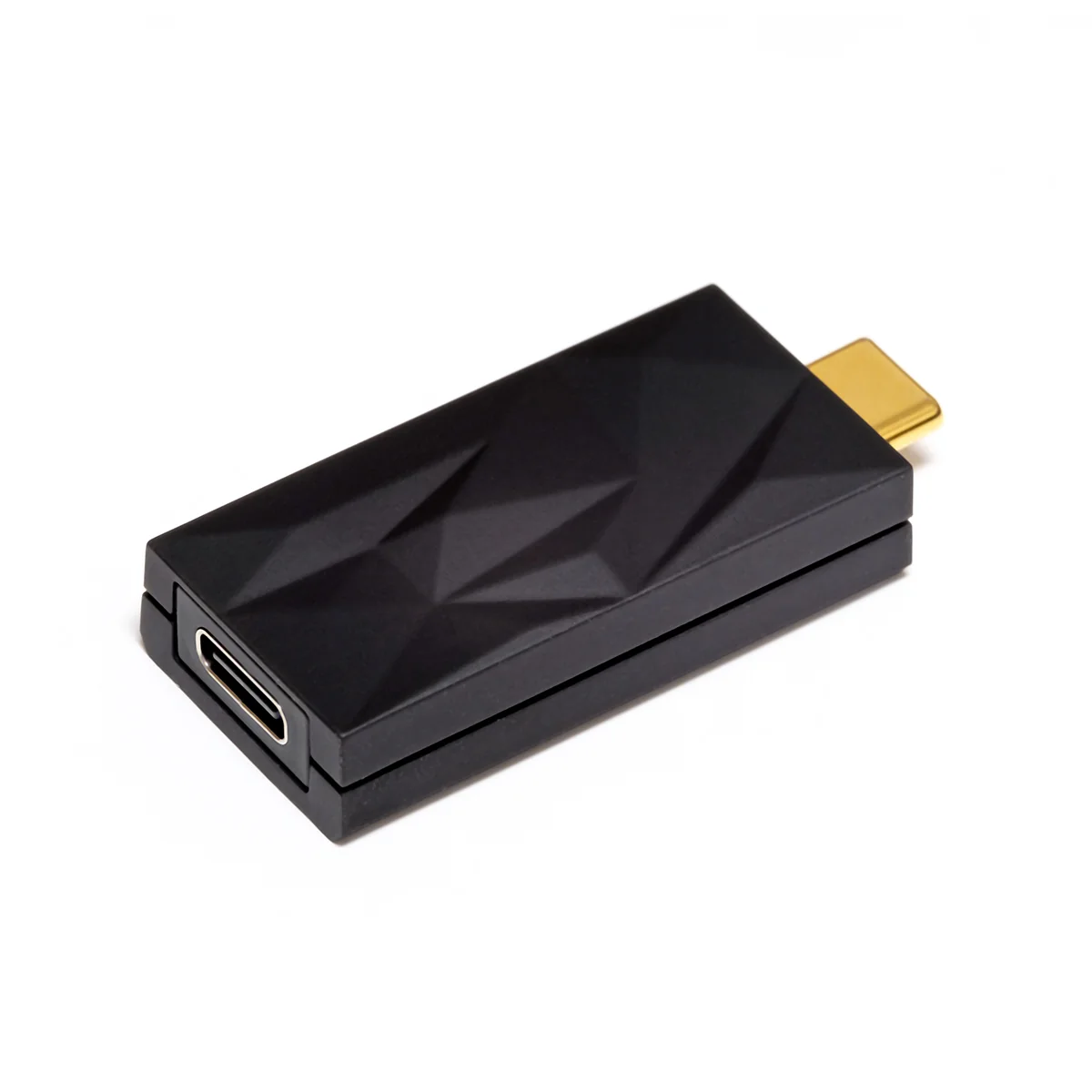
Noble Sceptre — a compact USB-C Bluetooth transmitter designed to enable higher-end Bluetooth codec transmission from devices that may not natively support them.
Sceptre works with any Bluetooth headphones/IEMs/speakers (not limited to Noble products) and is intended for music listening and general wireless audio use.

Key Specs / Compatibility
-
Bluetooth Chipset: QCC5181
-
Bluetooth Version: v5.4
-
Compatible Platforms: iOS, Android, Windows
-
Compatible Devices: iPhone 15 / iPhone 16 (USB-C) + any USB-C source device
-
Compatible Codecs: LDAC, aptX Adaptive, SBC, AAC
-
Bluetooth Profiles: HFP, A2DP, AVRCP
-
Range: Up to 20 meter stable transmission
-
Plug-and-Play: Driver-free operation
-
USB-C Port: Supports charging during use
How It Works / How to Connect
-
Download the Noble app (if not already installed).
-
Plug in Sceptre — you'll see a prompt in-app that says "Connect Dongle."
-
Put the Bluetooth headphone/earbud you'd like to use into pairing mode.
-
Select the headphones/earbuds inside the app to pair them to Sceptre.
-
Once paired, you can unplug Sceptre and use it with any USB-C source device.
-
Your headphones will automatically reconnect to Sceptre, since they are paired to the dongle (not the phone/tablet/computer itself).
Noble Sceptre — a compact USB-C Bluetooth transmitter designed to enable higher-end Bluetooth codec transmission from devices that may not natively support them.
Sceptre works with any Bluetooth headphones/IEMs/speakers (not limited to Noble products) and is intended for music listening and general wireless audio use.
Key Specs / Compatibility
-
Bluetooth Chipset: QCC5181
-
Bluetooth Version: v5.4
-
Compatible Platforms: iOS, Android, Windows
-
Compatible Devices: iPhone 15 / iPhone 16 (USB-C) + any USB-C source device
-
Compatible Codecs: LDAC, aptX Adaptive, SBC, AAC
-
Bluetooth Profiles: HFP, A2DP, AVRCP
-
Range: Up to 20 meter stable transmission
-
Plug-and-Play: Driver-free operation
-
USB-C Port: Supports charging during use
How It Works / How to Connect
-
Download the Noble app (if not already installed).
-
Plug in Sceptre — you'll see a prompt in-app that says "Connect Dongle."
-
Put the Bluetooth headphone/earbud you'd like to use into pairing mode.
-
Select the headphones/earbuds inside the app to pair them to Sceptre.
-
Once paired, you can unplug Sceptre and use it with any USB-C source device.
-
Your headphones will automatically reconnect to Sceptre, since they are paired to the dongle (not the phone/tablet/computer itself).
Original: $59.99
-65%$59.99
$21.00Description
Noble Sceptre — a compact USB-C Bluetooth transmitter designed to enable higher-end Bluetooth codec transmission from devices that may not natively support them.
Sceptre works with any Bluetooth headphones/IEMs/speakers (not limited to Noble products) and is intended for music listening and general wireless audio use.
Key Specs / Compatibility
-
Bluetooth Chipset: QCC5181
-
Bluetooth Version: v5.4
-
Compatible Platforms: iOS, Android, Windows
-
Compatible Devices: iPhone 15 / iPhone 16 (USB-C) + any USB-C source device
-
Compatible Codecs: LDAC, aptX Adaptive, SBC, AAC
-
Bluetooth Profiles: HFP, A2DP, AVRCP
-
Range: Up to 20 meter stable transmission
-
Plug-and-Play: Driver-free operation
-
USB-C Port: Supports charging during use
How It Works / How to Connect
-
Download the Noble app (if not already installed).
-
Plug in Sceptre — you'll see a prompt in-app that says "Connect Dongle."
-
Put the Bluetooth headphone/earbud you'd like to use into pairing mode.
-
Select the headphones/earbuds inside the app to pair them to Sceptre.
-
Once paired, you can unplug Sceptre and use it with any USB-C source device.
-
Your headphones will automatically reconnect to Sceptre, since they are paired to the dongle (not the phone/tablet/computer itself).